


In today’s fast-moving tech ecosystem, startups and small development teams are constantly striving to deliver smarter, leaner, and more innovative solutions. Artificial Intelligence (AI) has shifted from a distant luxury to a near necessity, empowering developers to streamline workflows, automate mundane tasks, and accelerate product development cycles like never before.
TLDR:
Startups and small dev teams can greatly benefit from integrating AI tools into their workflows. This article highlights five top recommended AI tools perfect for increasing productivity, code quality, and team efficiency. Whether it’s automating code suggestions, enhancing documentation, or simplifying design tasks, there’s a tool suited for every aspect of software development. Discover what tools are redefining development for the modern agile startup environment.
1. GitHub Copilot – Your AI Pair Programmer
GitHub Copilot, developed by GitHub in collaboration with OpenAI, is truly a game-changer for developers in startups and small teams. Powered by the Codex model, Copilot acts as an intelligent pair programmer, suggesting code snippets, functions, and even entire modules based on context.
- Key Benefits:
- Boosts coding productivity dramatically.
- Integrates directly with Visual Studio Code and other popular IDEs.
- Supports dozens of programming languages.
- Use Case: Ideal for teams with limited resources looking to speed up development and reduce debugging time.
By suggesting code as one types, GitHub Copilot allows developers to focus on creativity and logic instead of boilerplate coding. It reduces human error and accelerates learning for junior developers.
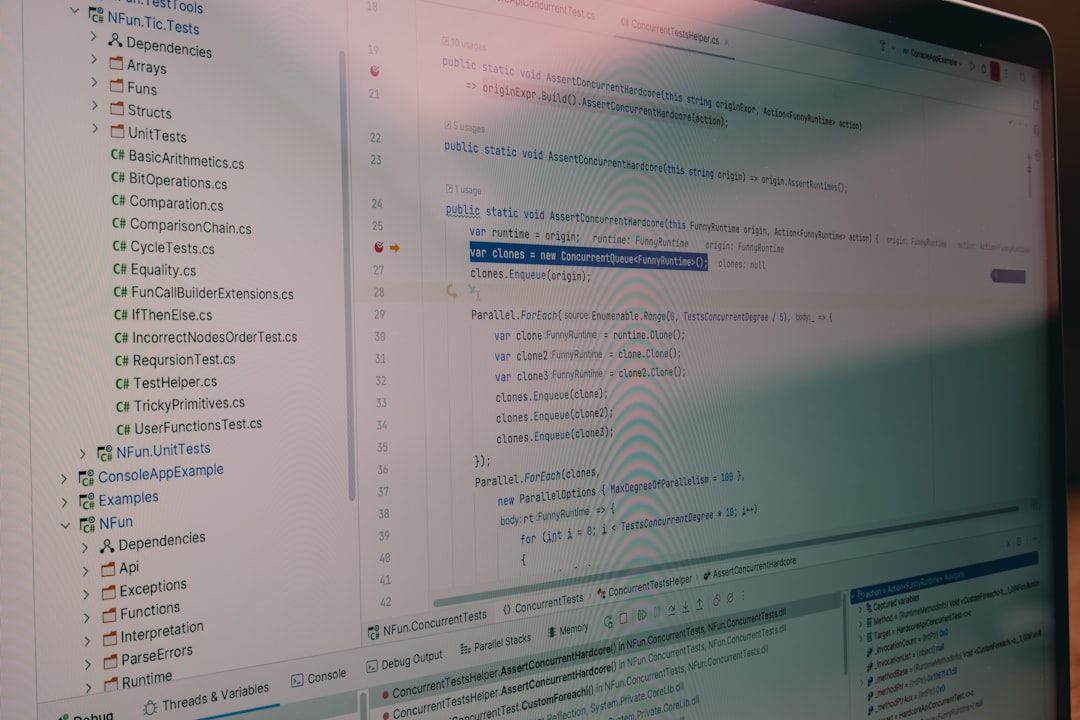
2. Tabnine – Context-Aware Code Completion
Tabnine is another AI assistant targeted specifically at improving developer productivity. Unlike Copilot, which often pulls from broad contextual models, Tabnine focuses more on integrating company-specific code patterns and privacy-first workflows. That makes it especially useful for startups handling proprietary or sensitive codebases.
- Key Benefits:
- Private code models can be trained on your own repositories.
- Supports all major IDEs and languages.
- On-premise deployment available for stricter security needs.
- Use Case: Perfect for teams needing secure, high-performance code completion tailored to internal practices.
Tabnine also works exceptionally well in pair with other productivity tools due to its lightweight nature and smooth real-time suggestions. This enables a more personalized and cohesive development environment.
3. Notion AI – Smarter Documentation and Planning
For lean teams juggling product ideas, launches, and collaborative development, documentation can easily take a backseat. Notion AI solves this problem by becoming a smart assistant for writing, summarizing, brainstorming, and translating content inside the Notion workspace.
- Key Benefits:
- Automatically generates meeting summaries, product specs, and technical documentation.
- Improves idea structuring, brainstorming, and task planning.
- Integrated within the original Notion project management tool so there’s no friction.
- Use Case: Excellent for roles that wear multiple hats—such as PMs, tech leads, or full-stack developers involved in both planning and execution.
Notion AI understands the context of your workspace, meaning it can generate suggestions that feel natural and tailored. This significantly reduces the time spent on documentation and planning, making it perfect for agile and dynamic environments.

4. Figma with AI Plugins – Streamlining Design Collaboration
Figma, the popular collaborative design platform, has embraced AI through community-driven plugins and features that enhance UI/UX workflows. For startups where developers often double as designers, these AI integrations help automate customer interface suggestions, accessibility adjustments, and visual consistency.
- Key Benefits:
- Smart auto-layout and design optimization recommendations.
- Voice-command plugins that can generate wireframes on prompts.
- Integration capabilities with front-end frameworks.
- Use Case: Great fit for teams without a dedicated design expert who still want to produce clean, scalable interfaces fast.
Popular AI Figma plugins like Magician generate design elements using prompts, and Color Wheel recommends color harmony modifications using AI. Such tools help developers create visually professional designs without requiring an experienced creative team on board.
5. DeepCode by Snyk – Intelligent Code Review
Every startup aiming for sustainable scaling must take code integrity and security seriously. DeepCode by Snyk offers an AI-based static code analysis tool that automatically scans codebases to detect bugs, security vulnerabilities, and outdated patterns.
- Key Benefits:
- Real-time feedback with detailed explanation of issues and fixes.
- Supports multiple repositories, CI/CD pipelines, and Git integrations.
- Updated with the latest vulnerability databases via Snyk’s cloud engine.
- Use Case: Vital for startups looking to implement DevSecOps principles from day one without hiring full-time security engineers.
DeepCode doesn’t just point out errors—it teaches why certain practices are insecure or inefficient. That educational component is particularly valuable for junior members or fast-growing teams still maturing their code quality standards.

Conclusion
Integrating AI tools into a startup’s development process doesn’t just enhance efficiency—it can unlock growth in areas once limited by time, expertise, or budget. From writing clean code to designing intuitive interfaces, the AI revolution has become an indispensable ally for lean teams aiming to do more with less. While unicorns and tech giants leverage AI for scale, startups can harness it to punch far above their weight class.
As a final thought, while adopting these tools, it’s essential to continuously evaluate their output, keep humans in the loop, and responsibly address any ethical or data privacy concerns that may arise. That said, the right mix of AI tooling can supercharge a startup’s potential beginning on day one.
FAQs
- Q: Are these AI tools free or paid?
A: Most of these tools offer a free tier or trial version. However, for full team capabilities or enterprise-level security, a paid subscription is generally required. - Q: Can AI tools replace junior developers?
A: No, AI tools work best in a collaborative capacity. They accelerate workflows and reduce effort in repetitive tasks but do not replace the need for human creativity and problem-solving. - Q: Is my code safe when using these tools?
A: Reputable AI tools provide privacy controls and even on-premise models (like Tabnine). Always review privacy policies and consider private hosting if dealing with sensitive IP. - Q: Do I need to be an AI expert to implement these?
A: Not at all. These tools are designed to seamlessly integrate into existing workflows, and most come with extensive documentation and community support. - Q: Which tool should I start with if I’m on a tight budget?
A: GitHub Copilot or Notion AI are good starting points due to their free trials and usability across different domains like coding and operations.
