

Most people edit photos with Snapseed or VSCO. They are great. But they are not the only stars in the app store. There are hidden gems that offer fresh tools, bold filters, and creative control without the hype. If you love mobile photography, it is time to try something new.
TL;DR: Snapseed and VSCO are popular, but many other powerful mobile photo editors fly under the radar. This list shares seven underrated apps that offer unique tools, creative filters, and pro-level control. Some focus on artistic effects, others on precision editing. All of them are worth a spot on your phone.
Let’s explore seven hidden mobile photo editors that deserve more attention.
1. Polarr
Polarr feels like a secret weapon. It is clean. It is powerful. And it goes deep.
You get advanced tools like:
- Selective color masking
- Face detection edits
- Custom overlays
- Light effects
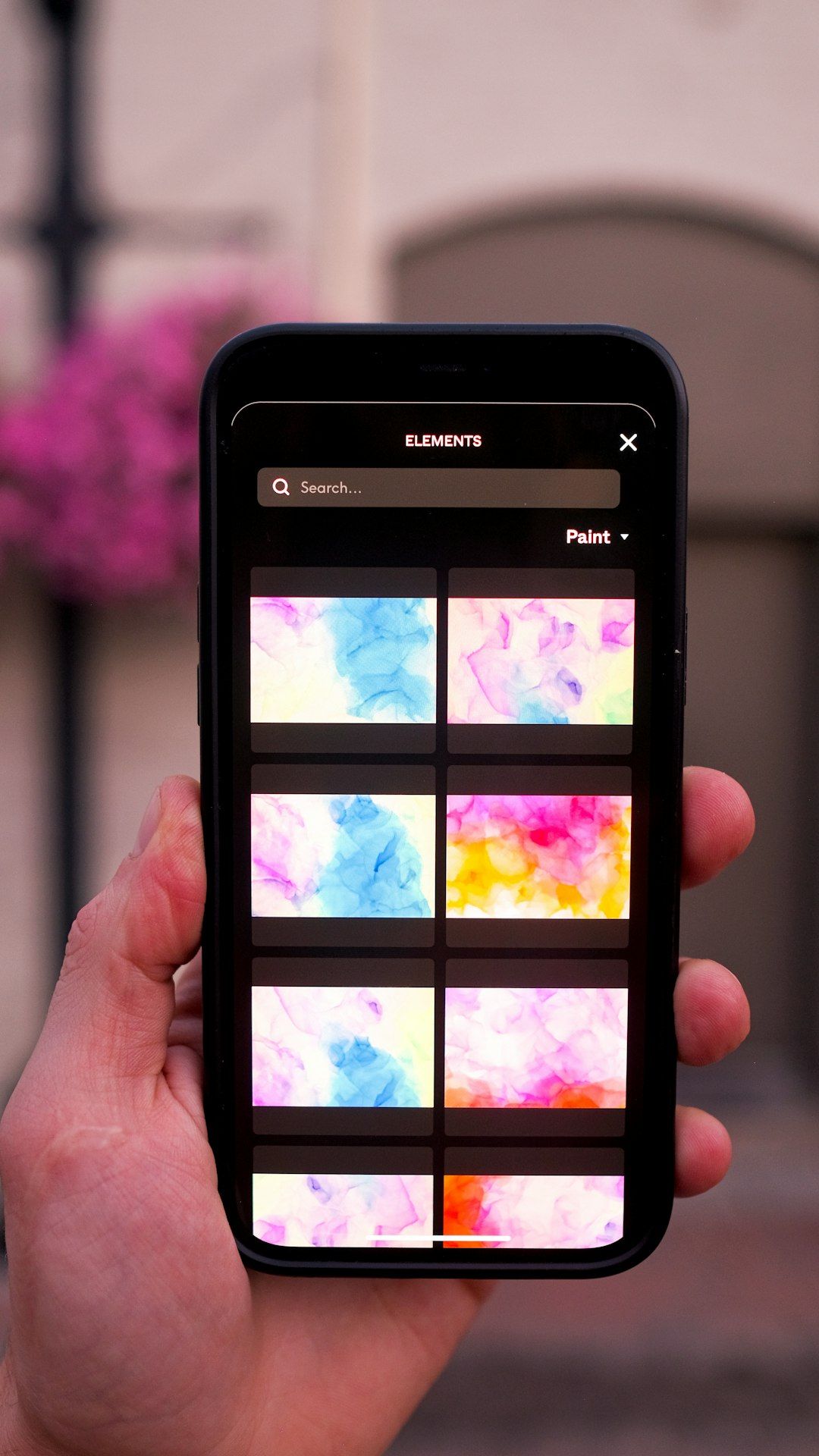
It also has ready-made filters. But the magic is in customization. You can tweak every tiny detail. Highlights. Shadows. Color balance. Grain. Everything.
Best for: Creators who want pro-level control without using a desktop.
2. Afterlight
Afterlight has been around for a while. But it still feels underrated.
It stands out because of its textures and light leaks. They feel natural. Not fake. Not overdone.
Key features include:
- Film-inspired presets
- Dust and light overlays
- Double exposure tool
- Simple adjustment sliders
The interface is friendly. Very beginner safe. But you can still create layered, artistic edits.
Best for: Dreamy edits and vintage vibes.
3. Darkroom
If you shoot with an iPhone, Darkroom is a must-try.
It supports RAW files. That is huge. It also syncs with your photo library instantly. No need to import and export again and again.
Features you will love:
- Curve adjustments
- Batch editing
- Selective color editing
- Depth photo adjustments
The design feels modern. Fast. Smooth.
Best for: Clean, professional edits with maximum efficiency.
4. PicsArt
PicsArt is often seen as a collage app. But it is much more.
It is bold. Playful. Creative.
You can:
- Add graphic elements
- Use AI effects
- Create stickers
- Remove backgrounds
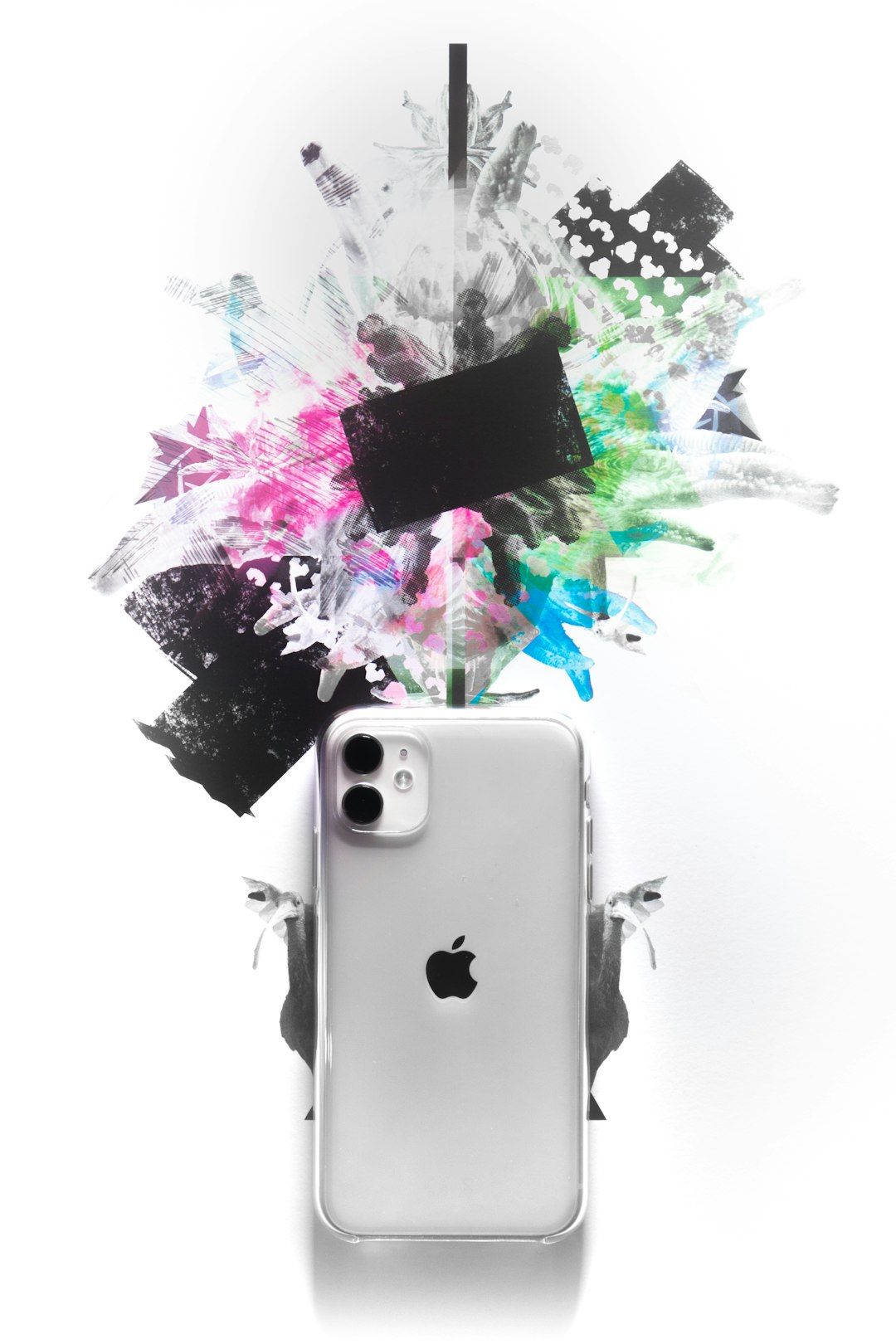
This is where editing meets design. It is perfect for social media creators who want more than color correction.
Best for: Artistic and social media heavy visuals.
5. Enlight Photofox
This app is for storytellers.
Enlight Photofox focuses on artistic composition. You can blend images together. Add digital art. Mix photography with illustration.
Popular tools:
- Double exposure blending
- Glitch effects
- Artistic brushes
- Layer-based editing
It feels a bit like Photoshop. But simpler. And mobile.
Best for: Surreal and conceptual photo art.
6. Prisma
Want your photo to look like a painting?
Prisma turns images into artwork inspired by famous styles. Think oil painting. Sketch. Abstract art.
It uses AI to rebuild your image. The results are bold. Sometimes dramatic.
Why people love it:
- Hundreds of art styles
- Simple one-tap edits
- Adjustable filter intensity
It is not about realism. It is about transformation.
Best for: Turning photos into digital art pieces.
7. Fotor
Fotor quietly does a lot.
It combines traditional editing with design tools. You can retouch portraits. Adjust lighting. Create social banners.
Key highlights:
- One-tap enhancement
- Portrait retouching tools
- HDR effects
- Template-based designs
The layout is simple. The tools are practical. It is great for everyday editing.
Best for: Quick fixes and content creation.
Quick Comparison Chart
| App | Best For | Skill Level | Standout Feature |
|---|---|---|---|
| Polarr | Advanced color control | Intermediate to Pro | Masking and custom filters |
| Afterlight | Vintage aesthetics | Beginner to Intermediate | Realistic light leaks |
| Darkroom | Professional workflow | Intermediate | RAW and batch editing |
| PicsArt | Creative social content | Beginner | Stickers and AI tools |
| Enlight Photofox | Surreal compositions | Intermediate | Layer-based editing |
| Prisma | Art transformations | Beginner | Painting-style AI filters |
| Fotor | Quick enhancements | Beginner | One-tap HDR improvement |
How to Choose the Right One
Choosing an editor depends on your style.
Ask yourself:
- Do I want realism or art?
- Do I need deep control or quick results?
- Am I editing for Instagram, print, or just fun?
If you love fine-tuning colors, go with Polarr or Darkroom.
If you love mood and atmosphere, try Afterlight.
If you want bold and playful edits, open PicsArt.
If you want something that feels like digital painting, test Prisma or Enlight Photofox.
If you want fast improvements without stress, Fotor is your friend.
Why Try Something Beyond Snapseed & VSCO?
Popular tools are popular for a reason. They work. They are reliable.
But using different editors helps you:
- Develop a unique style
- Avoid overused filters
- Discover new creative options
- Stand out on social media
When everyone uses the same presets, photos start to look similar.
Hidden apps bring surprise. And surprise gets attention.
Final Thoughts
Mobile photography has grown fast. Your phone is now a creative studio. A darkroom. A design lab. All in your pocket.
Snapseed and VSCO are great starting points. But they are not the only path. These seven apps offer new textures. New tools. New moods.
You do not need to install all of them.
Pick one. Experiment. Play.
Great photography is not just about the shot. It is about how you shape the final image. And sometimes, the best creative breakthroughs come from tools no one else is using.
So go ahead. Download something unexpected. Your next favorite edit might be hiding in plain sight.
