
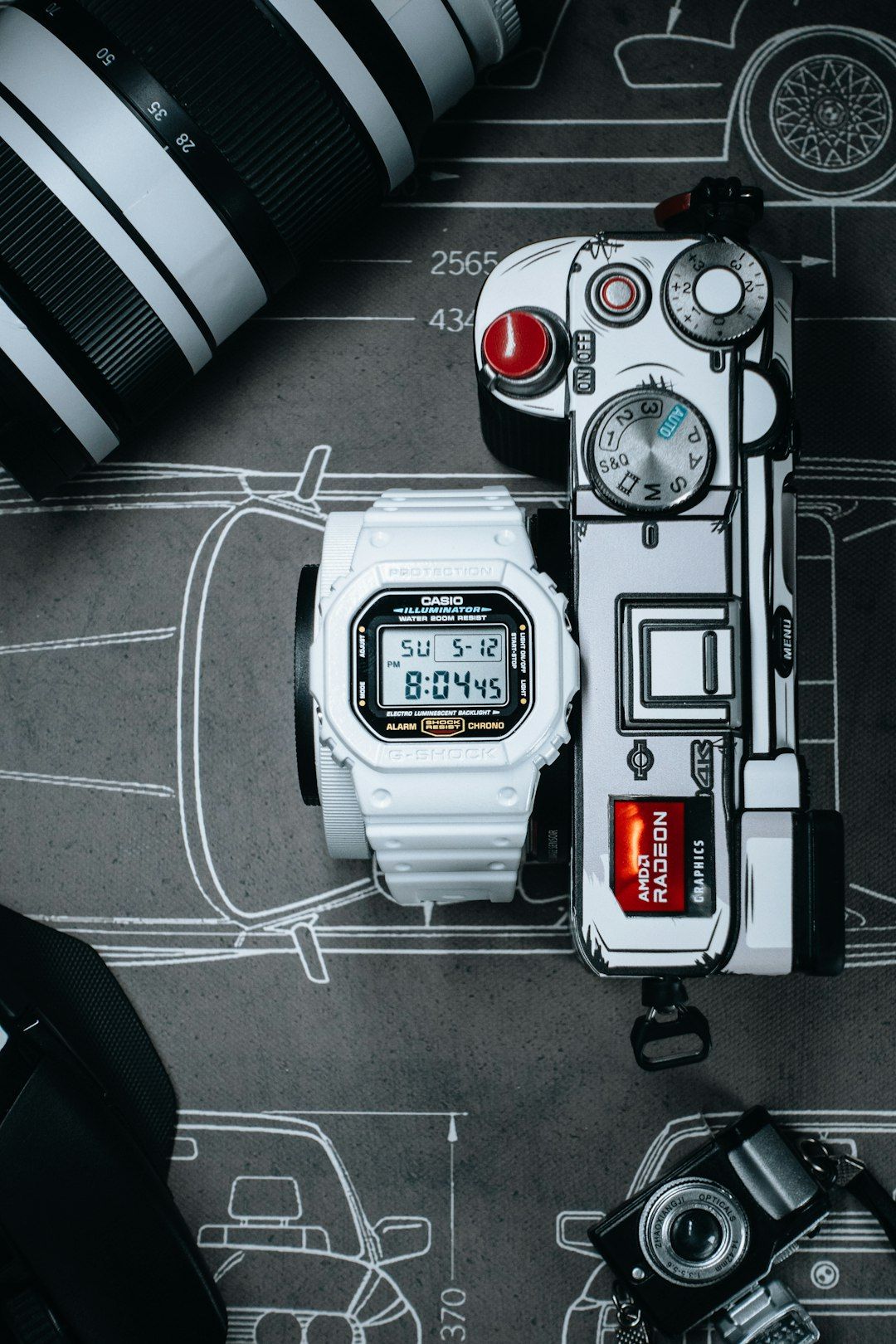

Few watches are as iconic, durable, and slightly intimidating as a Casio G-Shock. Built to survive mud, shocks, water, and extreme environments, these watches also come packed with features—world time, alarms, countdown timers, atomic syncing, Bluetooth connectivity, and more. But with four (sometimes five) buttons and multiple modes, figuring out how to set the time can feel confusing at first. The good news? Once you understand the logic behind the buttons and combinations, setting your G-Shock becomes simple and even intuitive.
TLDR: To set the time on most G-Shock watches, hold the Adjust button to enter setting mode, use the Mode button to move between fields, and use the Forward or Reverse buttons to change values. While button positions vary slightly by model, the core process stays consistent across digital, analog-digital, and Bluetooth versions. Some newer models also support atomic or phone-based automatic time setting. Understanding your module type makes everything easier.
Understanding the 4 (Sometimes 5) Buttons on a G-Shock
Most G-Shock watches follow a similar layout with four outer buttons:
- Adjust (top left)
- Mode (bottom left)
- Forward (top right)
- Reverse (bottom right)
Some models add a fifth button on the front for light or quick access functions.
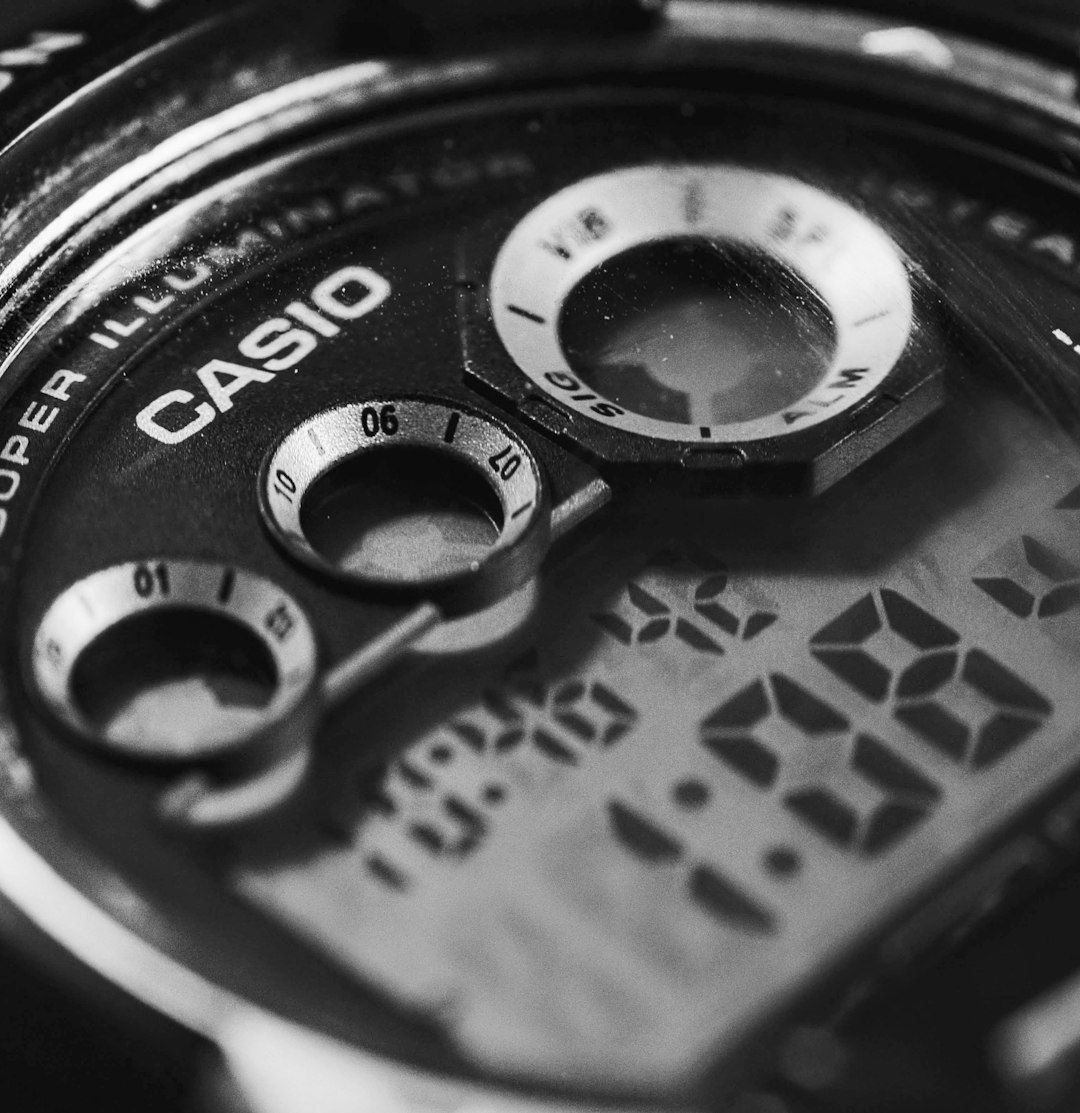
While the labeling may vary slightly (for example, “Light” instead of “Adjust”), the function hierarchy stays the same across models. Once you understand the logic, it applies to most G-Shock families including:
- DW-5600 series
- GA-100 series
- GBA Bluetooth models
- G-Steel analog-digital watches
- Rangeman and Mudmaster models
Basic Method: How to Set Time on a Digital G-Shock
Let’s start with the most common fully digital models like the DW-5600.
Step-by-Step Instructions
- Press and hold the Adjust button (top left) for about 3–5 seconds.
- The seconds digits will start flashing. This means you’re now in time-setting mode.
- Press the Mode button to cycle between:
- Seconds
- Hours
- Minutes
- Year
- Month
- Date
- 12/24-hour format
- Use the Forward button (top right) to increase numbers.
- On some models, use the Reverse button (bottom right) to decrease numbers.
- Press Adjust again to save and exit.
That’s it. For most classic G-Shock digital watches, this is the standard process.
The 5 Most Common Button Combinations Explained
Different G-Shock models use slight variations of these button combinations. Here are the five most common ways to set the time across the lineup:
1. Hold Adjust to Enter Settings (Classic Digital Models)
This is the foundational method. You hold Adjust until the numbers flash. Then use Mode to navigate and Forward/Reverse to change values.
Best for: DW-5600, DW-9052, classic square models.
2. Mode First, Then Hold Adjust (Some Analog-Digital Models)
On models like the GA-100, you may need to:
- Press Mode to reach the Timekeeping screen
- Then hold Adjust to enter configuration
This prevents accidental changes while in stopwatch or world time mode.
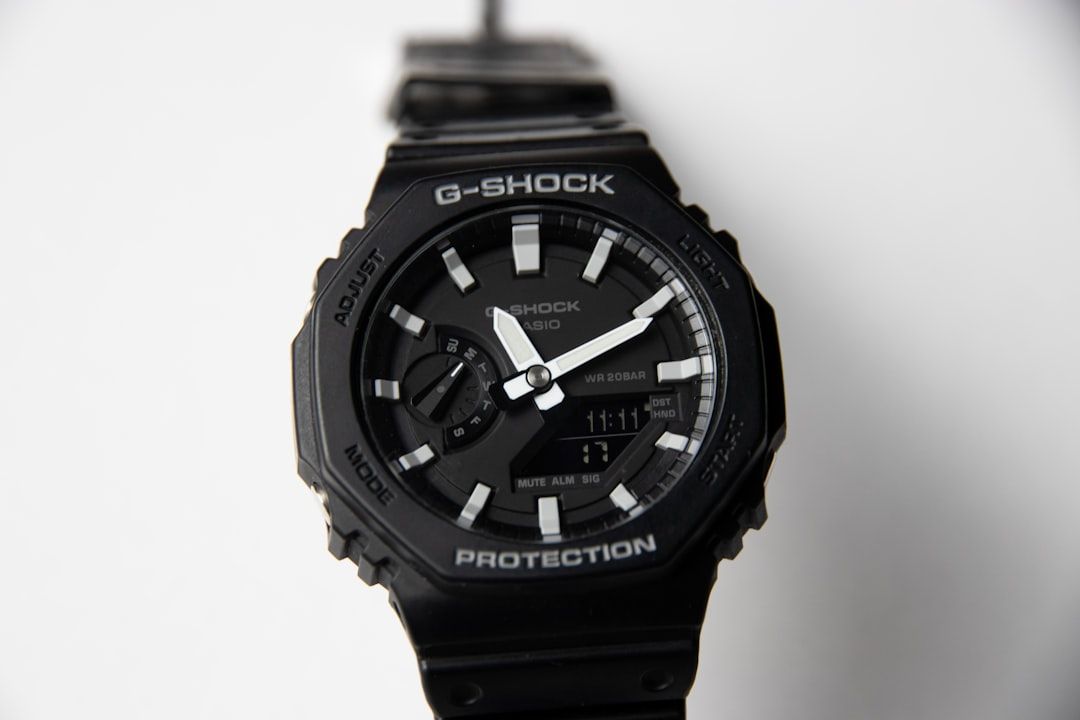
3. Holding Adjust to Sync Analog Hands
Analog-digital G-Shocks sometimes require additional steps to align physical hands with digital time.
You may need to:
- Hold Adjust for 5+ seconds
- Wait for hand-set mode to appear
- Use Forward/Reverse to manually align the hour and minute hands
This is especially useful if the hands were moved after impact or battery replacement.
4. Bluetooth Time Sync (G-Shock Connected Models)
Modern models like GBA-800 or GBD-series synchronize time through your smartphone.
To set time:
- Install the Casio Watches app
- Enable Bluetooth on your phone
- Hold the Bluetooth button on the watch
- Sync automatically
These watches update time automatically, including daylight savings and world time changes.
5. Atomic Radio Controlled Sync
Premium models like the GXW series use Multiband 6 atomic signals.
To sync manually:
- Hold the Mode or Receive button
- Wait several minutes for signal reception
If signal strength is low, you can still manually adjust time using the standard Adjust procedure.
Setting Time on Analog-Digital G-Shock Watches
Analog-digital models add one extra layer: synchronizing the display and physical hands.
The typical process:
- Hold Adjust until the digital time flashes.
- Set digital time first.
- Press Mode until you reach hand-setting mode.
- Use Forward/Reverse to align hands exactly with the digital time.
- Press Adjust to confirm.
If the hands don’t match the digital time, it usually means the watch needs hand home position correction, which is common after battery replacement.
Common Mistakes People Make
Even experienced G-Shock owners run into small issues. Here are the most frequent problems:
- Not holding Adjust long enough — It usually requires 3–5 seconds.
- Trying to set time in the wrong mode — Ensure you’re on the main time display.
- Forgetting to change AM/PM or 24-hour format
- Ignoring daylight saving settings
- Not aligning analog hands after digital change
One helpful trick: if you’re stuck, pressing Mode repeatedly typically cycles you back to the main time screen without altering settings.
How to Switch Between 12-Hour and 24-Hour Format
Most G-Shock watches allow easy toggling.
- Enter time-setting mode (hold Adjust).
- Press Mode until you reach the hour display.
- Press the appropriate button to toggle 12H/24H.
- Exit with Adjust.
This is especially useful for travelers or military time users.
Setting Time Zones and World Time
Modern G-Shocks come with built-in world time functionality.
To adjust home city:
- Hold Adjust in timekeeping mode.
- Select the city code field.
- Use Forward/Reverse to scroll through city abbreviations.
- Select your nearest major city.
- Confirm with Adjust.
Choosing the correct city ensures daylight savings and atomic sync (if available) work properly.
Battery Replacement and Time Reset
After battery replacement, your G-Shock will likely reset to factory default. That means:
- Time returns to 12:00
- Date resets
- Hands may misalign (analog models)
Simply follow the standard time-setting steps for your model. For analog-digital versions, always check hand alignment afterward.
Model Variations You Should Know
While procedures are similar, here are some quick differences:
DW Series (Classic Digital)
- Simplest setup
- No analog sync needed
GA Series (Analog-Digital)
- Requires extra hand alignment step
- More layered menu system
G-Steel Models
- May use crown plus buttons
- Often Bluetooth-enabled
Rangeman / Mudmaster
- Triple sensor features
- More menu navigation via Mode button
Bluetooth / Smart G-Shock
- Best set via app
- Manual setting still available
Final Thoughts
At first glance, setting the time on a G-Shock can feel like cracking a code. But once you understand the logic—hold Adjust to enter, Mode to move, Forward/Reverse to change, Adjust to exit—everything falls into place.
Whether you own a classic square DW-5600, a rugged Mudmaster, or a Bluetooth-enabled G-Steel, the core philosophy remains the same. G-Shock watches are engineered for durability and reliability, and their time-setting system follows a consistent internal structure across models.
Take a few minutes to practice the button combinations on your specific version. After that, adjusting the time—whether for daylight savings, travel, or battery change—will take less than a minute.
And that’s exactly how a G-Shock should work: tough, functional, and ready for anything.
