

There are few things more frustrating for Minecraft players than being ready to jump into a Hypixel match—only to be greeted with a connection error. Whether you are trying to grind SkyBlock, dominate in Bed Wars, or explore custom minigames, connectivity problems can completely ruin the experience. The good news? Most “Hypixel can’t connect to server” errors are easier to fix than you might think.
TLDR: If you cannot connect to Hypixel, the issue is usually related to server downtime, incorrect IP settings, outdated game versions, firewall blocks, or internet instability. Start by checking Hypixel’s server status, verify you’re using the correct IP, and ensure your Minecraft version is supported. Restart your router and launcher, and check firewall or antivirus settings if problems persist. Most connection issues can be resolved within minutes using simple troubleshooting steps.
Why You Can’t Connect to Hypixel
Before rushing into fixes, it’s important to understand why connection errors happen. Hypixel is one of the largest Minecraft servers in the world, serving tens of thousands of players at once. Because of this, connection issues can stem from:
- Server-side problems (maintenance or outages)
- Incorrect server IP address
- Version mismatch
- Internet connectivity issues
- Firewall or antivirus interference
- VPN or proxy conflicts
Let’s break down each cause and look at how to fix it quickly.
1. Hypixel Server Is Down
Sometimes the problem isn’t on your end at all. Hypixel occasionally performs maintenance or experiences temporary outages due to updates or unexpected issues.
Image not found in postmetaHow to Check
- Visit the official Hypixel website.
- Check Hypixel’s Twitter/X account for outage updates.
- Use third-party server status sites like “IsItDownRightNow.”
Quick Fix
If the server is down, there’s not much you can do except wait. Server maintenance typically doesn’t last long. Use the opportunity to update your game or check your mods.
2. Incorrect Server IP Address
This is one of the most common and easiest-to-fix mistakes. Hypixel’s official IP address is:
mc.hypixel.net
How to Fix It
- Open Minecraft.
- Go to Multiplayer.
- Select Hypixel and click Edit.
- Ensure the Server Address is exactly: mc.hypixel.net.
A simple typo can prevent you from connecting entirely. Avoid adding “https://” or extra spaces.
3. Minecraft Version Mismatch
Hypixel supports specific Minecraft versions, typically focusing on stable releases rather than snapshots.
If you’re using:
- A very old Minecraft version
- A newly released snapshot
- A heavily modded client incompatible with Hypixel
You may encounter errors like “Incompatible Version” or “Failed to Connect.”
Quick Fix
- Open the Minecraft Launcher.
- Select the latest stable release (often 1.8.9 is popular for PvP players).
- Avoid snapshot builds.
Pro Tip: Many competitive Hypixel players prefer version 1.8.9 for better PvP mechanics and mod compatibility.
4. Internet Connectivity Problems
If your internet connection is unstable, Hypixel might time out before you establish a connection.
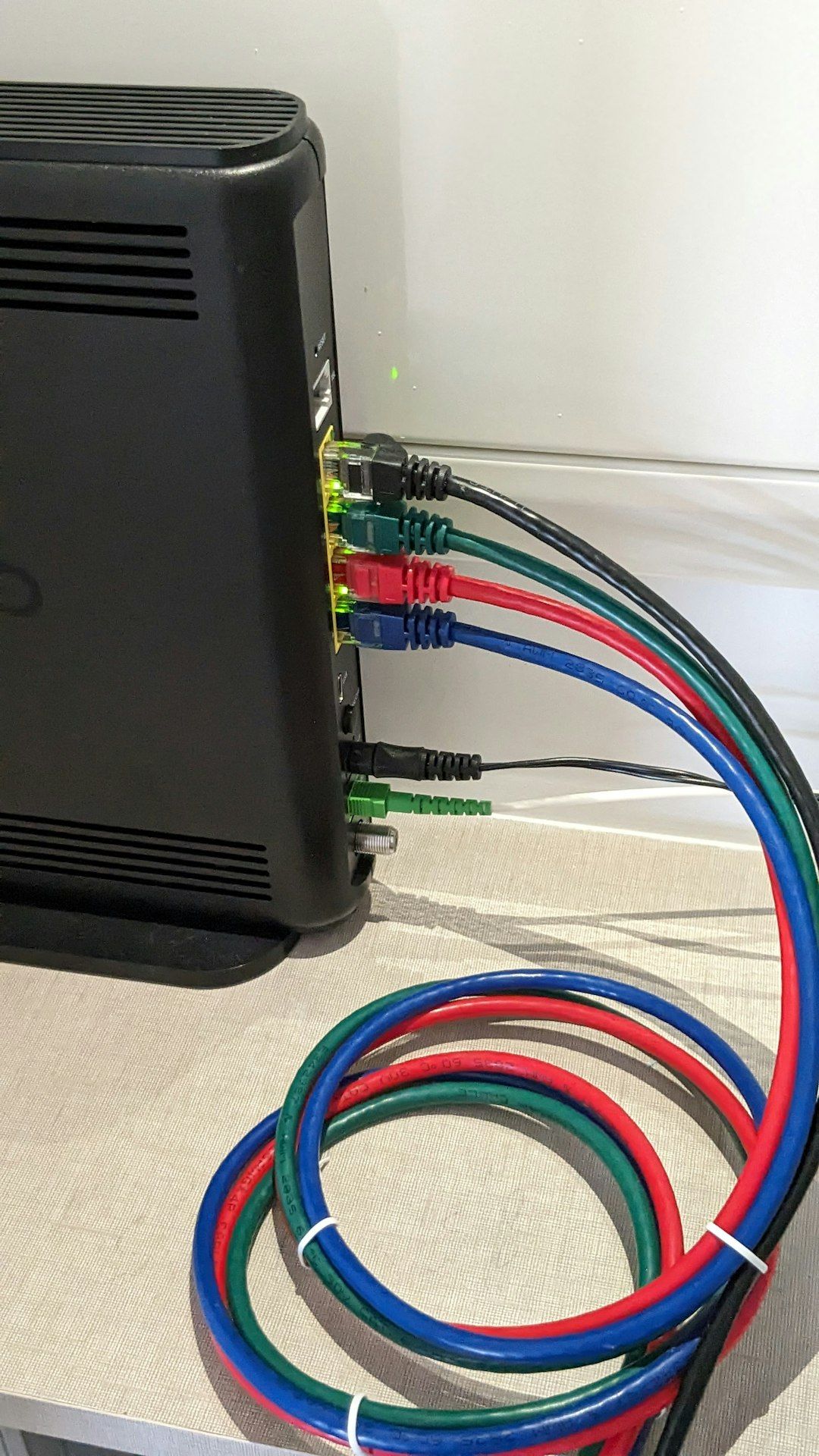
Common Network Errors
- Disconnected
- Timed Out
- Internal Exception: Java IOException
Quick Fix Guide
- Restart your router (wait 60 seconds before reconnecting).
- Switch from Wi-Fi to Ethernet if possible.
- Run a speed test to check for packet loss.
- Restart your computer.
If your ping is consistently high (over 200ms), connection attempts may fail intermittently.
5. Firewall or Antivirus Blocking Minecraft
Security software can sometimes mistake Minecraft’s server connections for suspicious traffic.
How to Check
- Open your Windows Defender Firewall settings.
- Check “Allow an app through firewall.”
- Ensure Java(TM) Platform SE Binary is allowed.
Quick Fix
- Temporarily disable your antivirus.
- Try connecting to Hypixel.
- If it works, add Minecraft and Java to your software’s whitelist.
Important: Always re-enable your security software after testing.
6. VPN or Proxy Conflicts
Hypixel has strong anti-cheat protections and security filters. If you’re using a VPN or proxy server, the system may block your connection.
Image not found in postmetaSymptoms
- Security Alert messages
- Temporary IP bans
- Connection refused errors
Quick Fix
- Disable your VPN.
- Restart Minecraft.
- Flush your DNS (open Command Prompt and type: ipconfig /flushdns).
In some cases, your IP might be temporarily flagged. Waiting a few hours can resolve the issue automatically.
7. Corrupted DNS Cache
DNS issues can prevent your computer from correctly locating Hypixel’s servers.
How to Fix
- Press Windows + R.
- Type cmd and press Enter.
- Enter: ipconfig /flushdns.
- Restart your computer.
This refreshes your network paths and often solves unexplained connection failures.
Quick Troubleshooting Comparison Chart
| Problem | Common Symptoms | Difficulty to Fix | Time Required |
|---|---|---|---|
| Server Down | Everyone unable to join | Very Easy | Wait for fix |
| Wrong IP | Cannot resolve hostname | Very Easy | 1 minute |
| Version Mismatch | Incompatible Version error | Easy | 2 minutes |
| Internet Issues | Timed out, disconnects | Moderate | 5–15 minutes |
| Firewall Block | Connection refused | Moderate | 5–10 minutes |
| VPN Conflict | Security alert message | Easy | 2–5 minutes |
Advanced Fixes (If Nothing Works)
If basic troubleshooting doesn’t solve the issue, try these advanced steps:
- Reinstall Minecraft completely.
- Delete the .minecraft folder (after backing up worlds).
- Update your network drivers.
- Contact your ISP if connections to multiple servers fail.
- Try connecting using a different network (such as mobile hotspot).
If Hypixel works on another network, your ISP may be routing traffic inefficiently.
When to Contact Hypixel Support
You should consider contacting Hypixel support if:
- You receive a ban message unexpectedly.
- Your account shows security alerts repeatedly.
- You suspect account compromise.
Visit the official Hypixel Support page and submit a ticket with screenshots and detailed information.
Preventing Future Connection Issues
To minimize future disruptions:
- Keep Minecraft updated.
- Avoid suspicious mods.
- Maintain stable internet.
- Restart your router periodically.
- Whitelist Minecraft in security software.
Regular system updates and clean installations go a long way toward smooth gaming sessions.
Final Thoughts
Not being able to connect to Hypixel can feel like a major setback—especially when your friends are already in-game. But in most cases, the solution is surprisingly simple. Whether it’s correcting the server IP, updating your Minecraft version, disabling a VPN, or flushing your DNS cache, the issue can often be resolved in under ten minutes.
Start with the easiest fixes first and work your way down the troubleshooting list. With a little patience and methodical checking, you’ll be back in the Hypixel lobby, ready to queue up for your next match.
Game on.
