


In today’s highly competitive market, first impressions matter. For small business owners, a well-designed business card can be the key to making a lasting impact without breaking the bank. But hiring a professional designer is not always within budget, and many business owners don’t have the design expertise to do it themselves. Fortunately, there are intuitive online tools that make crafting professional business cards easier than ever, requiring no design background at all.
TLDR:
If you’re a small business owner who needs a high-quality business card without hiring a designer, you’re in luck. The market offers numerous intuitive, budget-friendly card makers that deliver professional results. Top choices include Canva for flexibility, Vistaprint for printing and templates, and Adobe Express for enhanced creativity. Each platform offers distinct strengths, making it easier than ever to create impactful designs.
1. Canva – Best Overall for Versatility and Ease of Use
Overview: Canva is widely regarded as one of the most user-friendly graphic design platforms available, suitable for beginners and seasoned marketers alike. Its drag-and-drop interface allows users to create eye-catching business cards with minimal effort.
- Pros: Thousands of templates, easy to customize, free version available
- Cons: Premium assets require a paid subscription (Canva Pro)
Canva’s business card maker gives users access to hundreds of customizable templates. You can upload your own logo, adjust fonts, choose colors, and even use Canva’s wide library of shapes and icons.
Printing: Canva also provides printing services. You can design and order high-quality printed cards right from the interface, offering matte, gloss, and eco-friendly paper options.
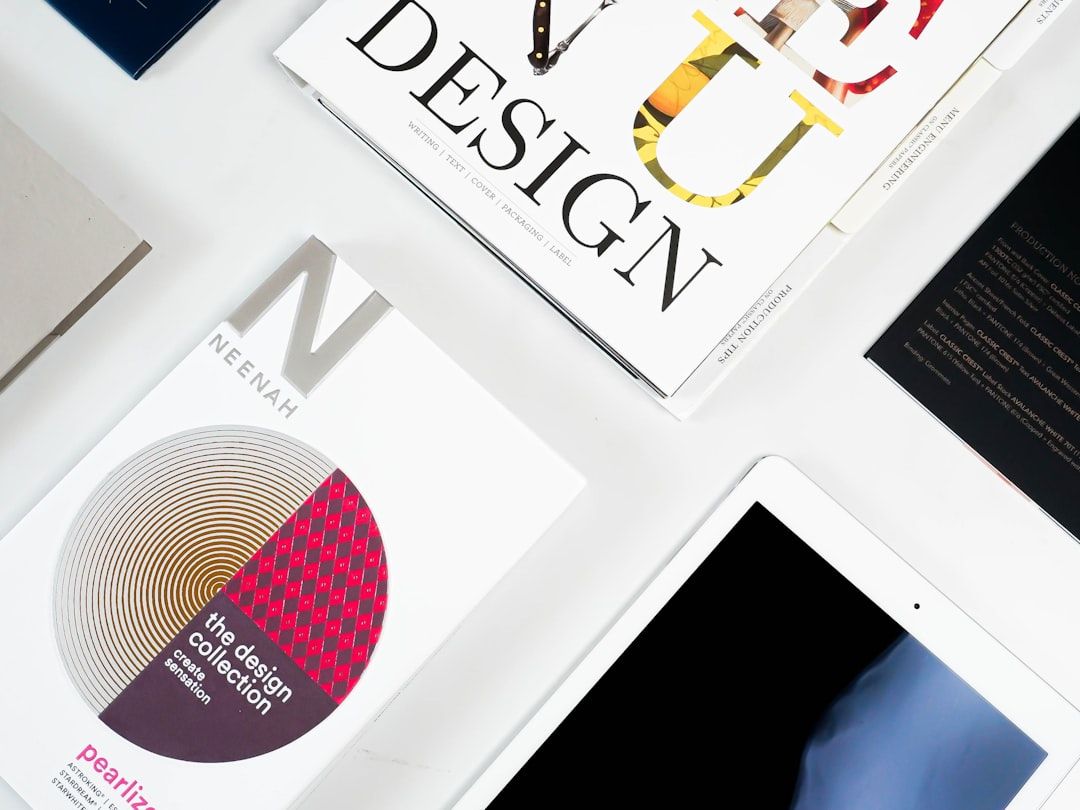
Best For: Entrepreneurs looking for creative control, flexibility, and a wide variety of design choices.
2. Vistaprint – Best for Business Card Printing and All-in-One Services
Overview: Vistaprint has long been a go-to option for professionally printed marketing materials, including business cards. It pairs a solid design platform with high-quality printing and delivery worldwide.
- Pros: Robust printing capabilities, reliable quality, industry-specific templates
- Cons: Less design flexibility than some competitors
Vistaprint’s online card maker offers hundreds of templates organized by profession, such as real estate, law, and food service. While you won’t get the free-form design capabilities of Canva, it’s perfect if you want something fast, reliable, and branded for your industry.
Extras: You can also get matching marketing collateral like brochures, flyers, and postcards, making it easier to create consistent branding.
Best For: Small business owners wanting print-ready cards and consistent branding without deep customization.
3. Zazzle – Ideal for Unique and Artistic Designs
Overview: If your brand thrives on individuality, Zazzle’s platform is worth considering. It features designs from independent artists and allows deep customization, giving you access to some of the more creative templates available online.
- Pros: Unique designs, artist collaborations, high-quality paper and finishes
- Cons: Templates not as business-focused, higher costs on premium products
Unlike traditional card-making platforms, Zazzle acts as a designer marketplace where contributors upload their own card designs. You can modify these or use them as inspiration. This results in cards that stand out from generic options, potentially making a stronger impression.
Printing Quality: Zazzle offers premium finishes such as ultra-thick paper, raised foil, and rounded corners for a high-end feel.
Image not found in postmetaBest For: Creative entrepreneurs, boutique brands, and artists seeking something visually unique.
4. Adobe Express – Best for Quick Customization Using Adobe Ecosystem
Overview: Formerly Adobe Spark, Adobe Express provides simplified tools for those who want access to Adobe’s design power without the complexity of Photoshop or Illustrator. Designed for non-designers, this tool integrates with Adobe’s suite and is cloud-based.
- Pros: Easy to use, premium templates, access to Adobe fonts and assets
- Cons: Limited free assets, best features require a subscription
Adobe Express offers an easy interface where you can edit high-quality templates, insert your brand elements, and export for print or digital use. It supports Adobe’s Creative Cloud Libraries, making it especially useful if you’re already using other Adobe tools like Lightroom or InDesign.
Design Elements: Users have access to Adobe’s stock photos, typefaces, icons, and preset color palettes, ensuring a professional look in just a few clicks.
Best For: Users familiar with Adobe products who want quick integration and polished output.
5. Logaster – Best for Branding Beyond Just Business Cards
Overview: Logaster is more than a business card maker; it’s a full branding solution. Ideal for startups and small businesses without a developed identity, Logaster helps you define your logo, color scheme, and brand assets before applying them to your card design.
- Pros: Automatic branding toolkit, fast logo generation, integration with card design
- Cons: Limited design creativity, mostly template-based
You begin by creating your logo, entering your business name and industry. Logaster generates branding materials around that input, including your business card, social media graphics, and other essentials. This is perfect for new businesses starting from scratch.
Print Options: Logaster offers downloadable high-resolution designs, but third-party printing is usually necessary.
Best For: Entrepreneurs building a brand identity from the ground up.
Final Thoughts
Designing a business card no longer requires hiring an expensive designer. The platforms listed above offer powerful, intuitive solutions that help small businesses make a strong first impression without going over budget. Whether you’re after creative control, professional printing, or full brand development, there’s a card-maker that fits your needs.
Here is a summary to help you choose the best platform:
- Canva: Best for customizable, flexible designs.
- Vistaprint: Ideal for quick printing and branded solutions.
- Zazzle: Perfect for artistic and unique branding.
- Adobe Express: Great for users in Adobe’s ecosystem.
- Logaster: Best for all-in-one brand creation.
No matter your industry or design experience, you can now produce a professional card that opens doors, builds connections, and leaves a mark.
